Showing posts with label twitter. Show all posts

Saturday, 11 April 2020

BOOK REVIEWING MADE EASY

During the current lockdown, many are working flat out – doctors, nurses, care workers, supermarket employees, prison officers, the volunteer army – and we sincerely thank them all, clapping and singing and showing support in any way we can.

But for those doing their bit by staying indoors we are encouraged to stave off boredom by trying something new. In our household that’s included testing out new recipes, mastering Zoom and my husband even tried his hand at giving our eldest son a buzz cut! However, today I encourage readers to give something less hazardous a go - to try book reviewing.

WHERE TO START
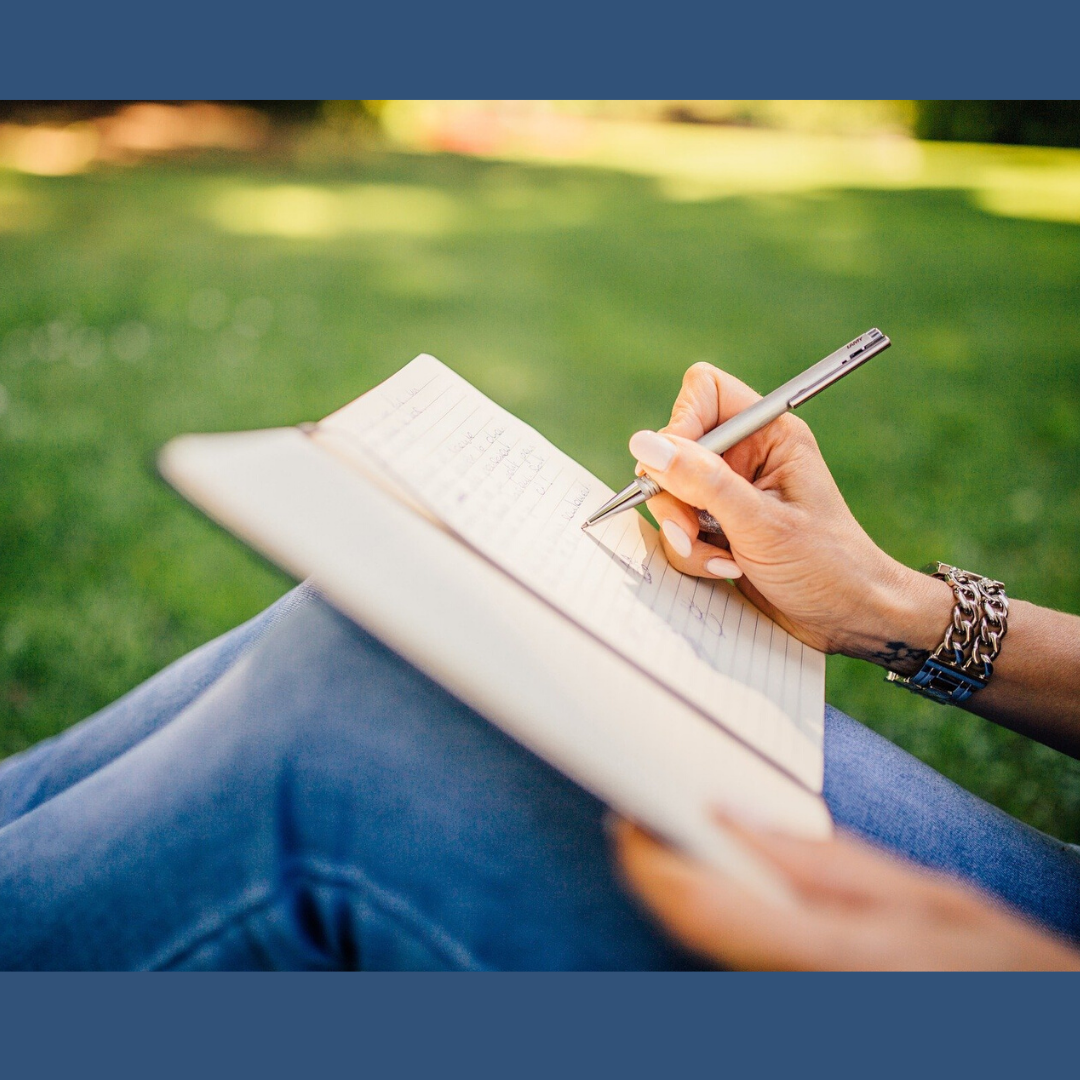
If the thought of writing and sharing a review feels daunting, why not start short? Think of a book you loved and write a couple of sentences about what made it so special. If you would like to add more, try including a brief summary (avoiding spoilers) or suggest authors who write in a similar style. I can’t stress enough how authors will love you forever if you make the time to leave even the shortest of reviews.
 

NEVER WRITTEN BEFORE
So, you’ve never written before – it doesn’t matter. Now is the time to have a bash, and perhaps make new reading friends and discover new authors to enjoy at the same time.

STILL NOT SURE …
Book reviews and star ratings help promote an author’s work, which is always helpful, but during this time of uncertainty when bookshops are closed and supermarkets are removing bookshelves to make room for essential items, it has become a vital way for your favourite authors to reach new readers.

And remember, readers gain from reviewing too.  As a writer it makes me reflect on a novel – its characters, setting, point of view. What worked well, and occasionally, what could have been done differently. Even though I only write a couple of paragraphs, often publishers send me e-books they think I might enjoy.


WHERE TO SHARE REVIEWS
Again, for those starting out, begin where you feel comfortable sharing. Writing an Amazon review is a great place to begin, then consider popping it on Facebook or Twitter. I also post on Instagram and Pinterest, but do what feels right for you. Goodreads is an excellent site to browse for ideas on how it is done. Remember something is better than nothing when it comes to sharing book love.

WHEN TO REVIEW
It’s easiest to review just after you’ve finished a book. However, if you have days to fill, why not check out your bookshelves or kindle library and get writing?


WHAT IF I DIDN’T ENJOY A BOOK?
This is a tricky one. Usually I check out other reviews, magazine articles or book blogger posts  before I commit, so I’m confident I’ll enjoy a novel. On the odd occasion when I discover a book isn’t for me, then I’ll stop reading. I never review a book I haven’t finished and encourage everyone who reviews to be kind - especially during such stressful times.


DOING OUR BIT
Of course our priority must be to support key workers in any way we can, but if you wish to try something new, why not give book reviewing a go? Let’s do our bit by showing our love for authors and the publishing industry during this difficult time…


Stay safe… and start reviewing!

Rae x

Saturday, 16 June 2018

HOW DO YOU DEAL WITH A PROBLEM LIKE - SOCIAL MEDIA?


Social media love it or hate it, is a fact of modern life. If you’re a writer it has probably  become an insidious, important part of your life. These days it’s all about getting the word out about your books into the big wide world. Publishers are constantly telling writers ‘You need a platform. An on line presence.’ Along with: ‘You have to be seen if you want to sell your books.’ In other words writers have to come out from behind their computers and self-promote. Something the majority of us hate doing.

Having a presence on line involves belonging to and being active on at least some of the following: FaceBook, Twitter, Pinterest, Linkedin, having an Amazon book page, a website, FaceBook author page, a blog etc etc. I’m sure too, there are other sites that have passed me by. (I’ve deliberately left GoodReads off the list because really that site is all about readers not writers.) The one thing that unites them all is: they consume time. Click on your FaceBook home page and the big black hole of social media sucks you in before you realise it. Liking this post, responding to another, writing a post of your own. That done you take a quick look on Twitter and so it goes on. Writing time can disappear in a click of the mouse, leaving you with the desired presence on the internet maybe but no writing time to finish the next book. ‘An on line presence.’ Four simple words that can wreck havoc with your writing life if you aren’t careful.

One of the big problems is deciding exactly just how ‘public’ you are going to be with the information and news you put out into the world. It’s easy to forget it will be visible forever. While readers like to interact with their favourite authors, too much information given out on line can be dangerous.


I have a deadline for my next book that I MUST meet and I’ve thought long and hard about taking a complete break from social media, but I do still have books to promote and keep in the public eye as much as possible. So I’ve bought an old-fashioned timer to try and control the hungry monster that social media has become. The plan is thirty minutes in the early evening every day. I’ll let you know how I get on.

How do you manage your time on social media? Which is your favourite site? Any advice would be gratefully received.


Saturday, 7 April 2018

A LITTLE KNOWN FEATURE ON TWITTER AND FACEBOOK by Victoria Cornwall

When I was a teenager I became temporarily blind. It lasted for several minutes and was caused by a head injury to the back of my head. I had slipped on some ice at school, fell backwards and hit the occipital lobe of my brain. This area of the brain is responsible for vision and the trauma caused me to suffer from cortical blindness.


I still have a vivid memory of having my eyes wide open but not being able to see. It was terrifying. I was fortunate, my eyesight returned completely, but many who suffer from impaired vision, either as a result of disease, injury or degeneration, are not so lucky.

What has my experience got to do with writing, books and the little known feature on Twitter and Facebook? I guess I just wanted to convey how suddenly we can find ourselves in the position of losing our sight.

On the 1st April, my debut novel, The Thief’s Daughter, was released by Soundings as an audiobook. It is narrated by the very talented and experienced voice-over artist, Emma Powell, and I believe her soft, husky and expressive voice adds to the experience of being whisked back in time to the 18th century. See if you agree by clicking HERE to listen to the preview.


I understand that those who enjoy listening to audiobooks do not have to be visually impaired as they make great companions whilst driving, working, enjoying a hobby or doing the housework. However, they do open up another world to those who do suffer with some degree of visual impairment and their importance cannot be over-emphasised.


I spend a lot of time on social media as part of promoting my writing. How was I going to promote the audio version of my novel to visually impaired fans of fiction? Screen reading software is great for the written word, but I wanted the cover of the audiobook to be accessible to them too. It turns out that Twitter and Facebook were already one step ahead of me.

In 2016, Twitter added a feature to help visually impaired twitter users “see” the images attached to tweets by allowing the tweeter to add a description to the image which could be read by screen reading software.

This is how you enable the feature:-
Click on your Twitter Profile drop down box and click on Settings and Privacy
Click on Accessibility
 Next to the Image Description tick Compose Image Descriptions.
The next time you tweet with an image, a box will appear for you to add a description. It does not work on schedule tweets and don't forget to use an appropriate hashtag such as #visuallyimpaired

Facebook has an alternate text feature for images too. To learn how to do it click on this LINK or follow the steps below:-
Upload a photo to your Facebook page and click on the edit icon.
Click on the Alt Text icon and fill in the box with the description of the image/photo you are posting.
Then click save in the bottom right corner.

So next time you post an image on Twitter or Facebook, consider making the image accessible to users who are visually impaired by using the features described above.

Do you know of any features that can be used to help increase the access to social media by the visually impaired? I would love to hear about them.